

Description
B&R 5AP920.1043-K01 — Technical Overview
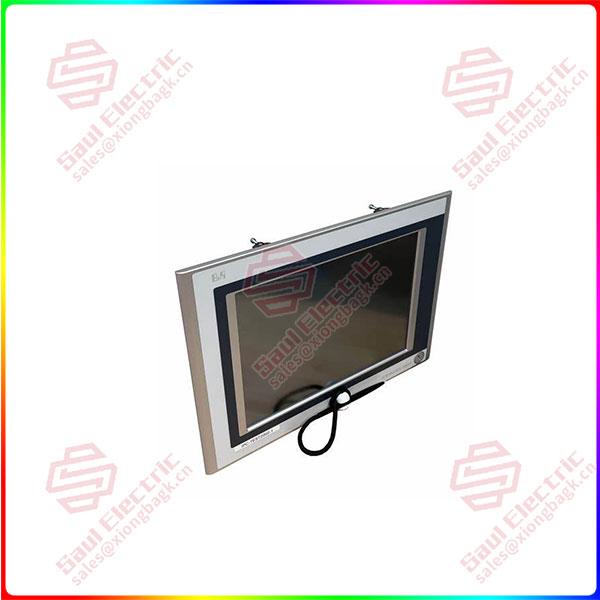
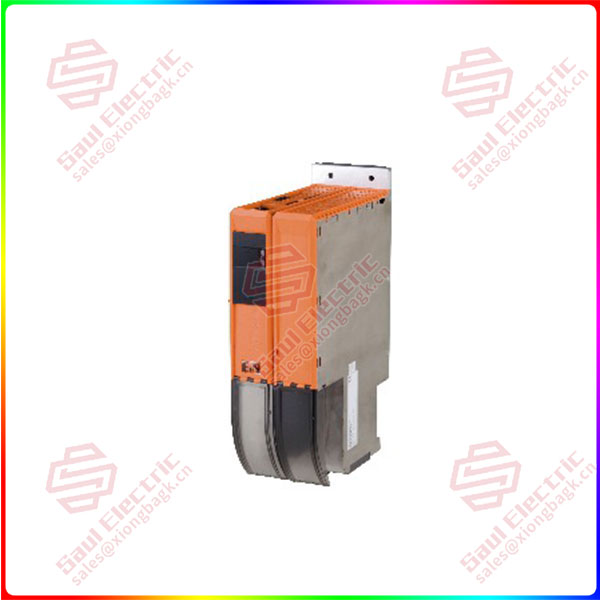
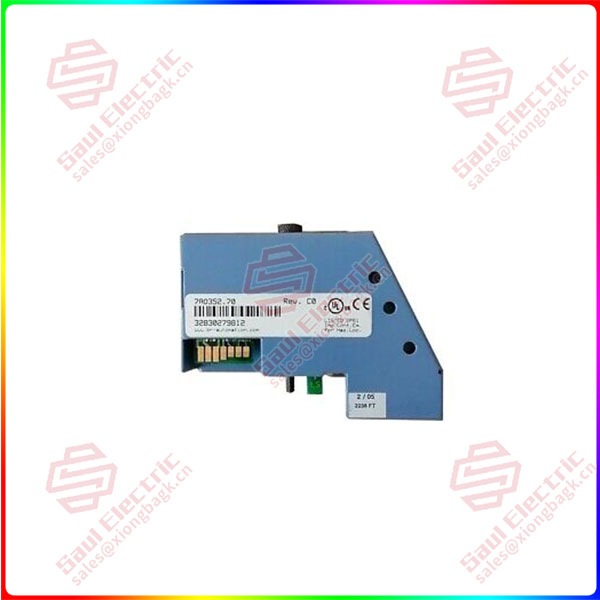
Product: 5AP920.1043-K01, X20 System I/O Module
Manufacturer: B&R Industrial Automation (now part of ABB)
Product Line: X20 System (Modular I/O and Control)
Primary Application: A specialized analog/digital I/O module for the B&R X20 distributed I/O system, designed for industrial automation applications requiring mixed signal acquisition and output capabilities.
1. Product Identification & Series Context
This module belongs to B&R’s X20 system — a modular, high-performance I/O system known for its flexibility and robustness in industrial environments.
2. Technical Specifications & Features
Module Characteristics:
-
Form Factor: Compact module designed for DIN-rail mounting in X20 system racks
-
Bus Interface: Integrated X2X Link (B&R’s high-speed backplane bus)
-
Status Indicators: LED indicators for power, status, and channel activity
-
Isolation: Channel-to-channel and channel-to-bus isolation for noise immunity
Typical I/O Configuration:
Based on similar 1043-series modules, this likely includes:
-
Analog Inputs: 4 or 8 channels
-
Voltage inputs: 0-10V, ±10V
-
Current inputs: 0-20mA, 4-20mA
-
Resolution: 16-bit
-
-
Digital Inputs: 4 or 8 channels
-
24V DC sinking/sourcing
-
Filtering options
-
-
Digital Outputs: 4 channels
-
24V DC, 0.5A per channel
-
Short-circuit and overload protected
-
Performance Specifications:
-
Sampling Rate: Typically 1 ms per channel (analog)
-
Accuracy: ±0.1% of full scale (analog)
-
Update Time: < 1 ms (digital)
-
Electrical Isolation: 500V AC between channels and bus
3. Communication & Integration
System Compatibility:
-
Controller Integration: Compatible with B&R X20 CPUs (e.g., CP1486, CP1586)
-
Network Protocols: Supports B&R’s POWERLINK, Ethernet POWERLINK, or PROFINET via system bus
-
Configuration Tool: Programmed via B&R Automation Studio
Communication Features:
-
X2X Link Speed: Up to 100 Mbps
-
Deterministic Communication: Suitable for real-time control applications
-
Hot-swappable: Can be replaced during operation (system-dependent)
4. Application Scenarios
Typical Use Cases:
-
Process Control Systems
-
Analog signal acquisition from sensors (temperature, pressure, flow)
-
Digital status monitoring
-
Actuator control via digital outputs
-
-
Machine Automation
-
Mixed signal processing in packaging machines
-
Production line monitoring and control
-
Quality inspection systems
-
-
Energy Management
-
Power monitoring applications
-
Environmental parameter acquisition
-
Industry Applications:
-
Manufacturing and assembly lines
-
Food and beverage processing
-
Pharmaceutical production
-
Automotive manufacturing
-
Renewable energy systems
5. Installation & Configuration
Mounting Requirements:
-
System Base: X20 base module (e.g., X20BBxx series)
-
Power Supply: X20 power supply module required
-
Space Requirements: Typically 1-2 slots in X20 rack
Configuration Steps:
-
Hardware Setup:
-
Mount on DIN rail
-
Insert into X20 base module
-
Connect field wiring to front connectors
-
-
Software Configuration (Automation Studio):
(* Example configuration structure *) MODULE MixedIO_Module VAR AnalogInput1 : REAL; DigitalOutput1 : BOOL; END_VAR -
Parameter Settings:
-
Analog input ranges
-
Filter constants
-
Scaling parameters
-
Diagnostic settings
-
6. Technical Documentation & Resources
Required Documentation:
-
Data Sheet: 5AP920.1043-K01 specific specifications
-
X20 System Manual: General system information
-
Automation Studio Help: Configuration guidelines
Key Parameters to Verify:
-
Input voltage/current ranges
-
Digital input voltage levels
-
Output current ratings
-
Update times and filtering options
7. Important Notes & Precautions
Safety Considerations:
⚠️ Warning:
-
Ensure proper grounding and shielding
-
Follow local electrical codes and regulations
-
Use appropriate wire gauges and types
-
Implement proper overcurrent protection
Compatibility Notes:
-
Requires compatible X20 base module
-
Firmware must match Automation Studio version
-
Check voltage ratings for field devices
Programming Considerations:
-
Configure in Automation Studio (version 4.0 or higher recommended)
-
Implement proper error handling
-
Consider sampling rates for control applications
8. Troubleshooting & Diagnostics
Common Issues:
-
Module Not Recognized:
-
Check bus connection
-
Verify power supply
-
Confirm module seating
-
-
Analog Signal Issues:
-
Verify input range settings
-
Check for proper grounding
-
Validate sensor compatibility
-
-
Digital I/O Problems:
-
Confirm voltage levels
-
Check load currents
-
Verify wiring connections
-
Diagnostic Tools:
-
LED status indicators
-
Automation Studio online monitoring
-
System event logs
9. Ordering & Replacement Information
Related Components:
-
Base Module: X20BBxx (specific type required)
-
Power Supply: X20PSxx00
-
Connectors: X20xx98-1 (field wiring connectors)
-
Terminals: Appropriate for wire gauge
Replacement Guidelines:
-
Use identical part number for replacement
-
Backup configuration before replacement
-
Note firmware version compatibility
-
Document all settings before removal
Reviews
There are no reviews yet.