

Description
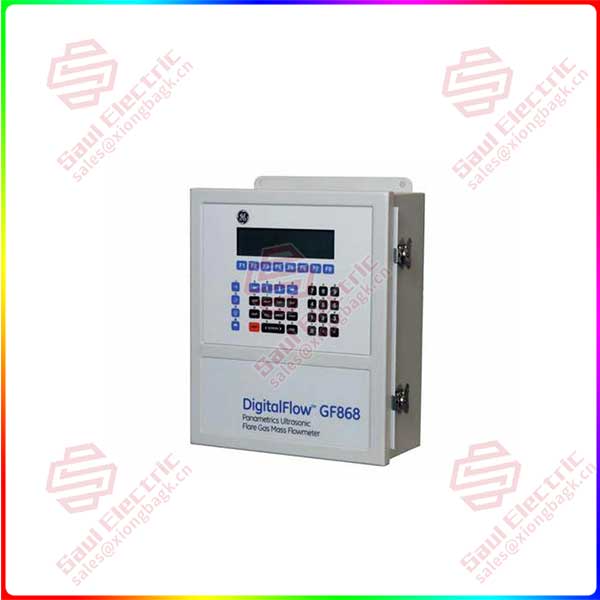
GE GF868-1-21-20414-0-0-0 — Technical Overview
Product: GF868-1-21-20414-0-0-0 (Control Module/Assembly)
Manufacturer: GE (General Electric) — likely part of GE Energy/GE Vernova product lines
Primary Application: This appears to be a specific configuration/assembly part number for a control module, I/O interface, or specialized functional card within GE’s industrial control systems — most likely associated with turbine control, generator protection, or automation systems.
1. Probable Functions & Characteristics
Based on GE’s numbering conventions for similar components:
Most Likely Identities:
-
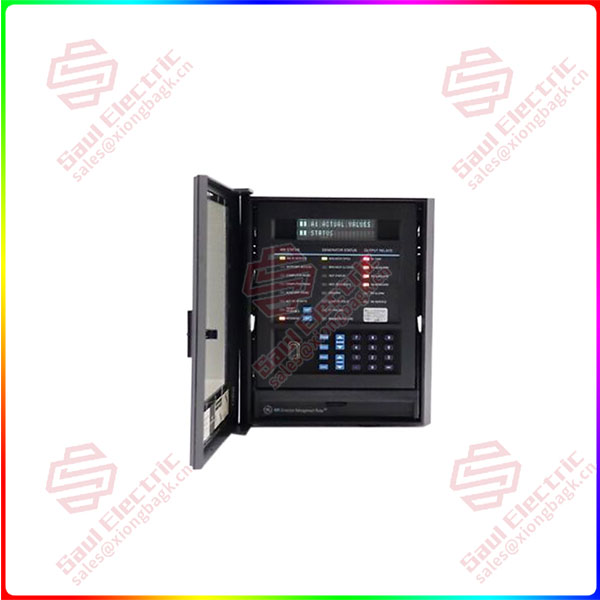
Generator Protection/Control Module:
-
Part of GE’s G60/G series generator protection systems
-
Could be a specialized analog input module or communication interface
-
Possibly interfaces with CTs/PTs for generator monitoring
-
-
Excitation System Component:
-
Related to EX2100/EX2100e excitation control systems
-
May be a power supply module, gate drive board, or regulation card
-
-
Turbine Control Interface:
-
Mark VI/Mark VIe system component
-
Specialized signal conditioning or interfacing module between sensors and controllers
-
-
Custom I/O Assembly:
-
Factory-configured assembly for specific customer requirements
-
Combines multiple functions in one assembly
-
2. Key Technical Aspects (Inferred)
-
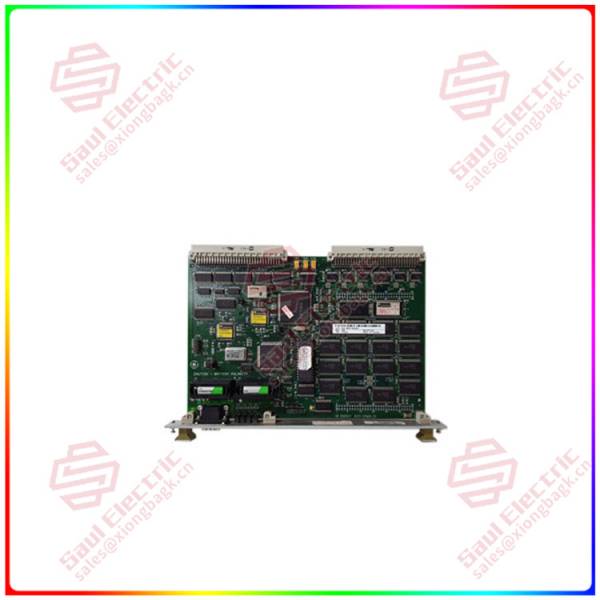
Likely Form Factor: Printed circuit board (PCB) assembly designed for rack/chassis mounting
-
Typical Interfaces:
-
Analog inputs (4-20mA, 0-10V, RTD/thermocouple)
-
Digital I/O (contact inputs, relay outputs)
-
Communication ports (serial RS-232/485, Ethernet)
-
Power supply connections (24VDC, 125VDC, or AC)
-
-
Environmental Rating: Industrial-grade, suitable for control cabinet installation
-
Communication Protocols: May support GE proprietary protocols and/or standards (Modbus, DNP3, IEC 61850)
3. How to Obtain Definitive Information
Given the proprietary nature, follow these steps:
-
Identify the Parent System:
-
Locate the main equipment nameplate where this module is installed
-
Look for system identifiers: «GE EX2100», «Mark VIe», «G60», etc.
-
-
Consult System Documentation:
-
Check the Equipment Parts List (EPL) or Bill of Materials (BOM)
-
Refer to system-level manuals for the parent equipment
-
Look for wiring diagrams and terminal connection drawings
-
-
Use Official GE Resources:
-
Contact GE Vernova Customer Support with the complete part number
-
Use the GE Online Parts Catalog (if accessible)
-
Consult the Original Equipment Manufacturer (OEM) documentation
-
-
Cross-Reference Available Information:
-
Search for similar part numbers (GF868-xxx)
-
Check if there are related technical data sheets or instruction manuals
-
4. Important Notes & Warnings
-
Proprietary Component: This is a GE-specific internal part with limited public documentation
-
System Dependency: The module functions only within its intended GE system architecture
-
Configuration-Specific: The «-0-0-0» suffix indicates this exact configuration — subtle variations may exist
-
Safety Considerations: If this is part of protection/control systems, improper handling could affect system reliability
-
No Direct Substitution: Do not substitute without verifying compatibility through GE channels
5. Recommended Action Steps
-
Document the Context:
-
Photograph the module in its installed location
-
Note all connected cables and terminal designations
-
Record the parent system model and serial numbers
-
-
Contact GE Support:
-
Provide the complete part number: GF868-1-21-20414-0-0-0
-
Share parent system details and application context
-
Request technical data sheet, installation manual, and wiring diagrams
-
-
Check for Labels/Markings:
-
Look for any additional labels with:
-
Serial numbers
-
Firmware versions
-
Date codes
-
GE publication numbers
-
-
-
Professional Assistance Recommended:
-
For critical systems, involve qualified GE service personnel
-
Do not attempt modification or repair without proper documentation
-
Reviews
There are no reviews yet.